- Faster lobby load on mid-range Android devices — first paint reduced noticeably on 4G.
- Reworked cashier flow with clearer UPI status feedback during deposit confirmation.
- New titles added across the slots and crash rooms.
- Fixed a reconnect issue that could drop live dealer tables on network handover between Wi-Fi and mobile data.
Get the IN7 apk in under three minutes
One file, one install, one login. The IN7 latest app is roughly 40 MB, runs on Android 6.0 and above, and opens all 105 games in the lobby. iOS players install through a configuration profile — both routes are documented step by step further down this page.
The download link opens the official distribution page. We do not host the apk ourselves — that is deliberate, because a file mirrored by a third party is exactly how repackaged builds spread.
Three routes to the same lobby
Pick the route that matches your device. The Android apk is the fastest and most complete; iOS uses a configuration profile; and if you would rather install nothing at all, the browser build carries the same games.
-
Tap the download button
Any “Download IN7 APK” button on this site opens the official distribution link. Your browser starts the download immediately — on a normal 4G connection the 40 MB file takes well under a minute.
If Chrome warns that the file type can harm your device, that warning appears for every apk downloaded outside the Play Store. Choose “Download anyway” to continue.
-
Allow installs from your browser
Open the downloaded file from your notification tray. Android will ask permission to install apps from this source — this is a one-time setting scoped to the browser, not a system-wide change.
On Android 8 and above the path is Settings › Apps › Special access › Install unknown apps, then enable it for Chrome. On older builds it is a single toggle under Security.
You can switch this permission back off after installing. The app updates itself from inside, so you will not need it again. -
Install and open
Tap Install and wait a few seconds. The IN7 icon appears in your app drawer. On first launch the app downloads game assets — expect the install footprint to grow to roughly 220 MB as you visit more rooms.
-
Register your IN7 login
Enter an Indian mobile number, set a password, and confirm the OTP. That number is your permanent IN7 login and your account-recovery route, so use one you will keep.
-
Deposit and claim ₹10,000
Open the cashier, choose UPI, and complete your first deposit. The welcome bonus is applied automatically. Complete identity verification in the same session so your first withdrawal is not delayed later.
-
Open the link in Safari
iOS installs must be initiated from Safari — Chrome and in-app browsers on iOS cannot install a configuration profile. If you are reading this in another browser, copy the link into Safari first.
-
Allow the profile download
Safari will ask whether you want to allow the website to download a configuration profile. Tap Allow, then Close on the confirmation.
-
Install the profile
Go to Settings › General › VPN & Device Management (on older iOS: Profiles & Device Management). Select the downloaded profile and tap Install, entering your device passcode when prompted.
A configuration profile is a standard Apple mechanism used by enterprises to distribute apps outside the App Store. Only install profiles from a source you trust. -
Trust the developer
Return to VPN & Device Management, tap the developer entry, and choose Trust. Without this step iOS will refuse to launch the app.
-
Launch, register, deposit
The IN7 icon is now on your home screen. Register with your mobile number, confirm the OTP, then make your first deposit to claim the ₹10,000 welcome bonus.
-
Open the platform in your browser
The same lobby runs in Chrome, Safari, Firefox and Edge on both mobile and desktop. Nothing is missing from the web build — all 105 games, the cashier and the sportsbook are present.
-
Add it to your home screen
On Android use Chrome’s Add to Home screen; on iOS use Safari’s Share › Add to Home Screen. You get an icon that opens full-screen without the browser chrome, which is close to the app experience.
-
Understand the trade-off
The browser build reloads assets more often and handles connection drops less gracefully than the native app. For slots and instant games that rarely matters. For live dealer tables it can, because a dropped stream mid-round is not paused for you.
-
Same login either way
Your account is not tied to a device or an install method. Register in the browser today and log into the app tomorrow — same balance, same history, same bonus progress.
IN7 app specification
Everything you would want to know before installing, in one table.
| App name | IN7 Game |
|---|---|
| Latest version | v2.2.0 |
| Download size | Approximately 40 MB |
| Installed size | Around 220 MB once game assets have cached |
| Android requirement | Android 6.0 (Marshmallow) or later |
| iOS requirement | iOS 12 or later, installed via configuration profile |
| Distribution | Direct apk / profile — not published on Google Play or the App Store |
| Price | Free to download and install |
| Games included | 105 titles across 6 categories |
| Currency | Indian Rupee (₹) |
| Languages | English, Hindi |
| Deposit methods | UPI, PhonePe, Google Pay, Paytm, net banking, IMPS/NEFT, cards, USDT |
| Welcome bonus | Up to ₹10,000 on the first qualifying deposit |
| Minimum age | 18+ only |
| Updates | In-app patching — no reinstall required for a new build |
What the app asks for, and why
Android will list the permissions during install. Here is what each one is actually used for — and which ones you can safely decline without breaking anything.
Required for everything — loading the lobby, streaming live tables, processing deposits and syncing your balance.
RequiredCaches game assets locally so a slot does not re-download its art on every open. Also used to save screenshots you take inside the app.
RequiredDeposit confirmations, withdrawal status and promotion alerts. Decline it if you would rather not be pinged — nothing else stops working.
OptionalUsed only when you upload identity documents for verification, or set a profile photo. Never accessed during gameplay.
OptionalGame sound effects and live dealer audio. Muting the app in settings achieves the same result if you prefer to leave the permission on.
OptionalUsed for security — flagging logins from unfamiliar devices and preventing duplicate bonus claims from a single handset.
RequiredOnly install from the official link
Because the IN7 app is distributed outside the Play Store, mirror sites are common. Some are harmless copies; some are repackaged builds carrying credential-stealing code. A repackaged apk looks identical on your home screen and behaves identically until the moment it forwards your login somewhere else.
The rule is simple: download only from the official link on this page or from the operator’s own site. Never from a file-sharing mirror, a forum attachment, a WhatsApp forward, or a Telegram channel that is not the official one. If you are unsure whether a link is genuine, ask in the support channel before installing.
₹10,000 waiting on the other side
The welcome voucher is issued against your first qualifying deposit, not against the install itself. Downloading the app costs nothing and commits you to nothing — the bonus becomes relevant only once you decide to fund an account.
- Install and register. Mobile number plus OTP. No documents needed at this stage.
- Verify early. Upload identity documents now rather than at withdrawal time. It takes two minutes and removes the only real delay in the payout process.
- Deposit once. The bonus scales with the deposit up to the ₹10,000 ceiling. It is applied automatically — there is no code field to fill in.
- Read the wagering. Bonus funds convert to withdrawable balance only after the wagering requirement is met, and categories contribute at different rates.
Full conditions, including qualifying deposit amounts, wagering multiples, category contribution rates and expiry, are set out on the bonus terms page. Read them before you deposit rather than after.
What changed in recent builds
The app patches itself in place, so you do not need to reinstall for any of these. If your build is older than the one at the top, open the app and let it update on launch.
- Hindi interface coverage extended across the cashier and account screens.
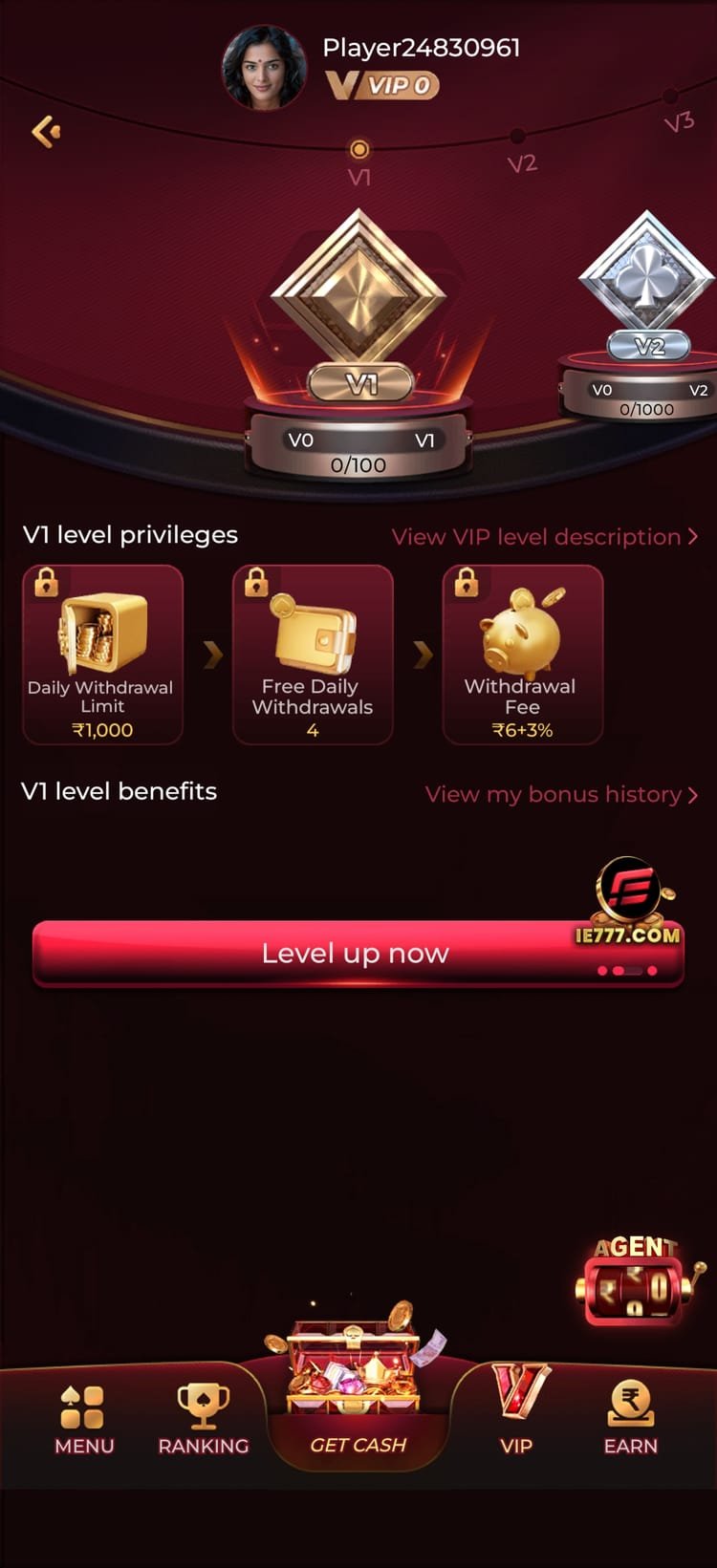
- VIP ladder rebuilt with clearer privilege thresholds and withdrawal limits per tier.
- Agent and referral dashboards consolidated into a single rewards screen.
- Reduced installed footprint through better asset compression.
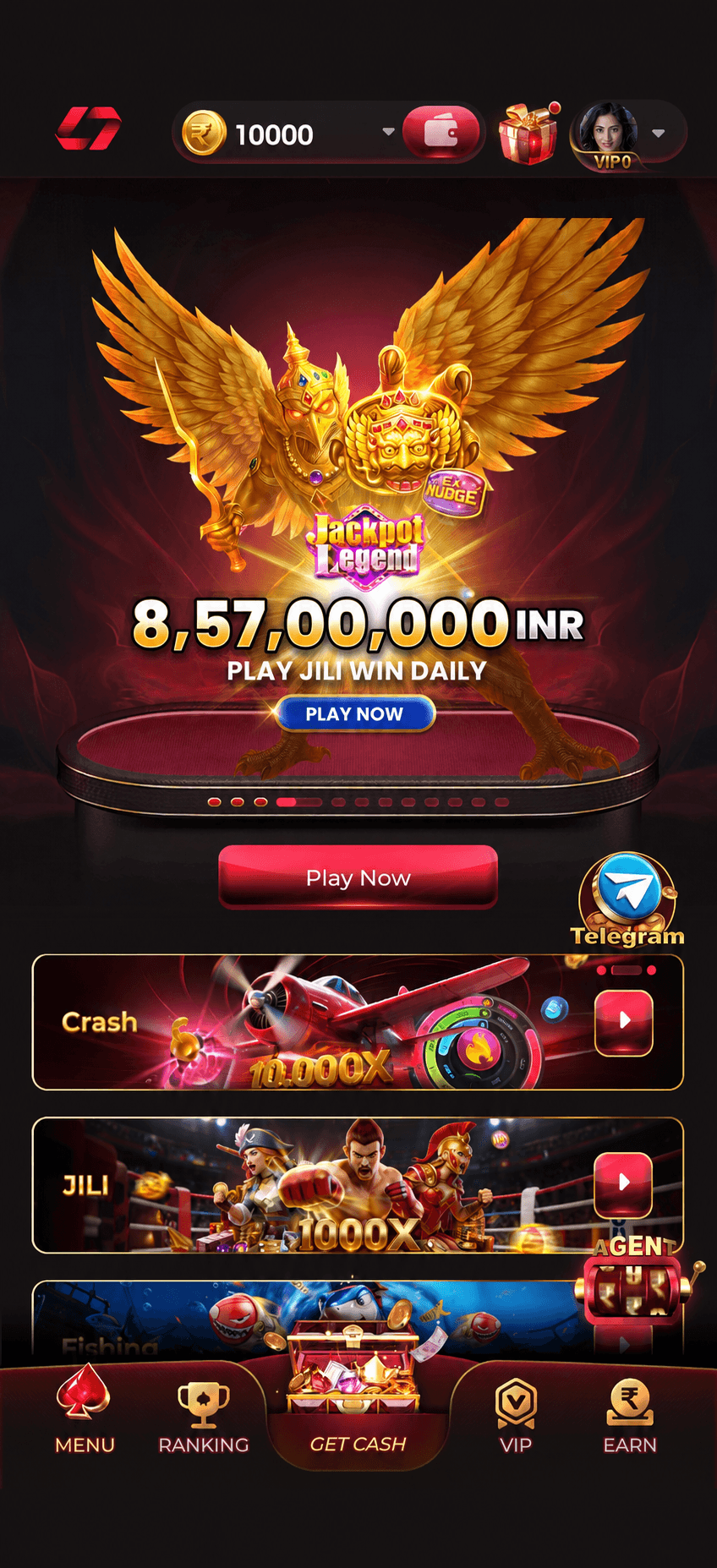
- Full lobby restructure into six categories with a persistent side menu.
- Crash and instant-games room introduced with provably fair seed verification.
- In-app live chat support added alongside the Telegram channels.
- Deposit limit and cool-off controls added to account settings.
Install troubleshooting
The five problems that account for almost every failed install, and how to clear them.
Almost always one of three causes. First, an older IN7 build is already installed with a conflicting signature — uninstall it completely, then install the new apk. Second, insufficient storage — the installer needs headroom beyond the 40 MB file itself. Third, a partially downloaded file — delete it and download again on a stable connection.
Google Play Protect flags any apk it has not seen distributed through the Play Store — this is a distribution warning, not a malware detection. Choose “Install anyway” on the prompt. If you prefer, you can temporarily disable Play Protect scanning in the Play Store settings and re-enable it after installing.
You installed the profile but skipped the trust step. Go to Settings › General › VPN & Device Management, tap the developer entry under Enterprise App, and select Trust. The app will launch normally afterwards.
Force-stop the app, clear its cache (not its data — that would log you out), and relaunch. If it still fails, the download was likely corrupted; uninstall, re-download from the official link, and install again. Persistent failures on a specific handset are worth reporting in the support channel with your device model.
Live tables stream video and are the least tolerant part of the app. Switch to Wi-Fi or a stronger 4G signal, close background apps consuming bandwidth, and avoid playing live rooms while your phone is handing over between networks. Slots and instant games will keep working fine on the same connection.
No. Your account lives on the operator’s servers, not on your handset. Uninstalling removes the app and its cache; your balance, history, bonus progress and VIP level are untouched. Reinstall and log in with the same mobile number to pick up exactly where you left off.
Download the IN7 latest app
One file, three minutes, 105 games. Install questions are answered fastest in the support channel — it is staffed through the evening peak when most players are setting up.